Hotel KOTQR ordering & kitchen display system for restaurants
Scan, order, cook, serve: no paper KOTs, no waiting for a waiter.
A complete restaurant ordering system. Guests scan the QR on their table and order from their phone, with no app to install. The kitchen gets the order instantly on a tablet, order takers are told when food is ready, and guests follow their order live and get WhatsApp updates. Works on Android, iOS, kiosks and the web.
Demo login: Staff login: 99999 00011, code 123456
See it in action
Real screens from Hotel KOT
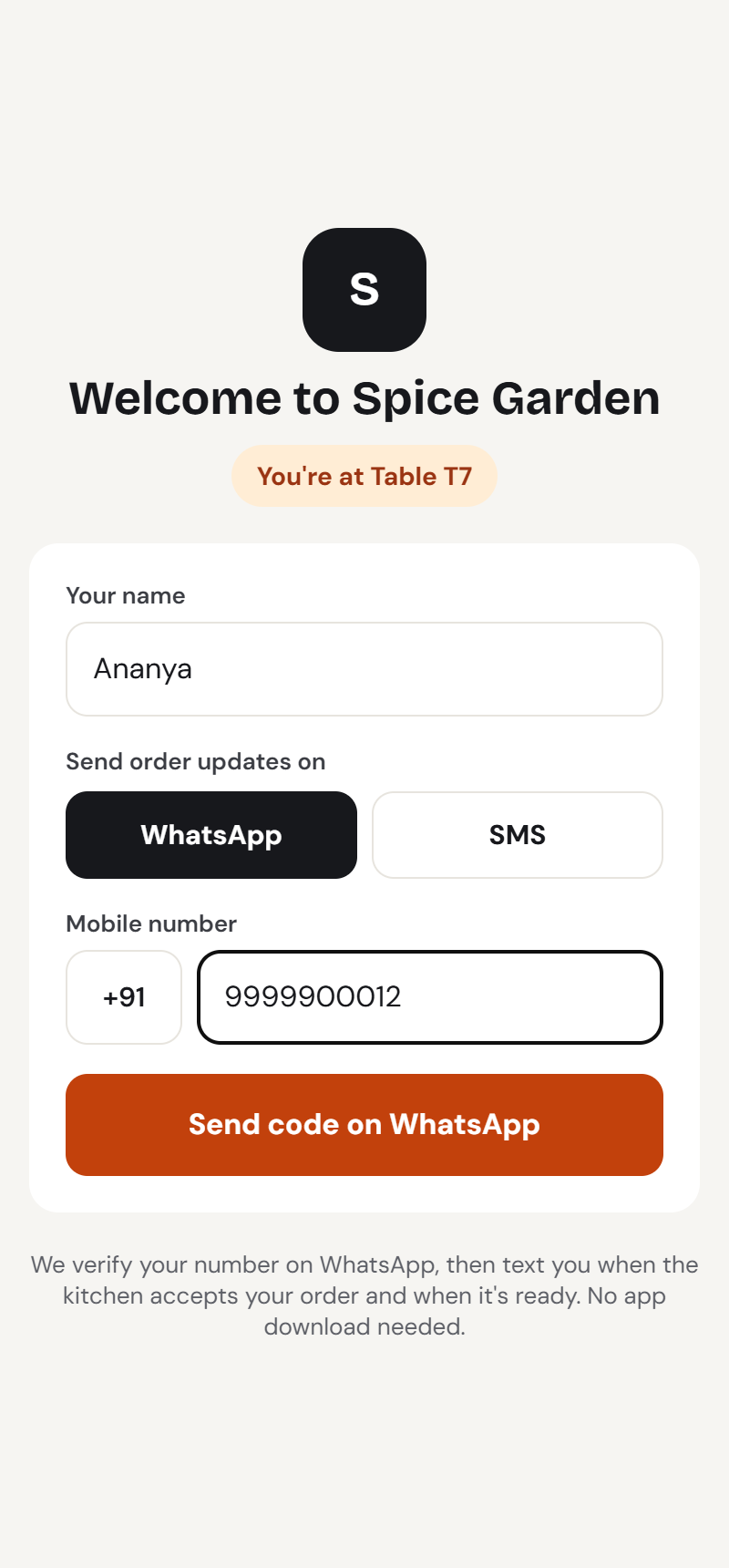
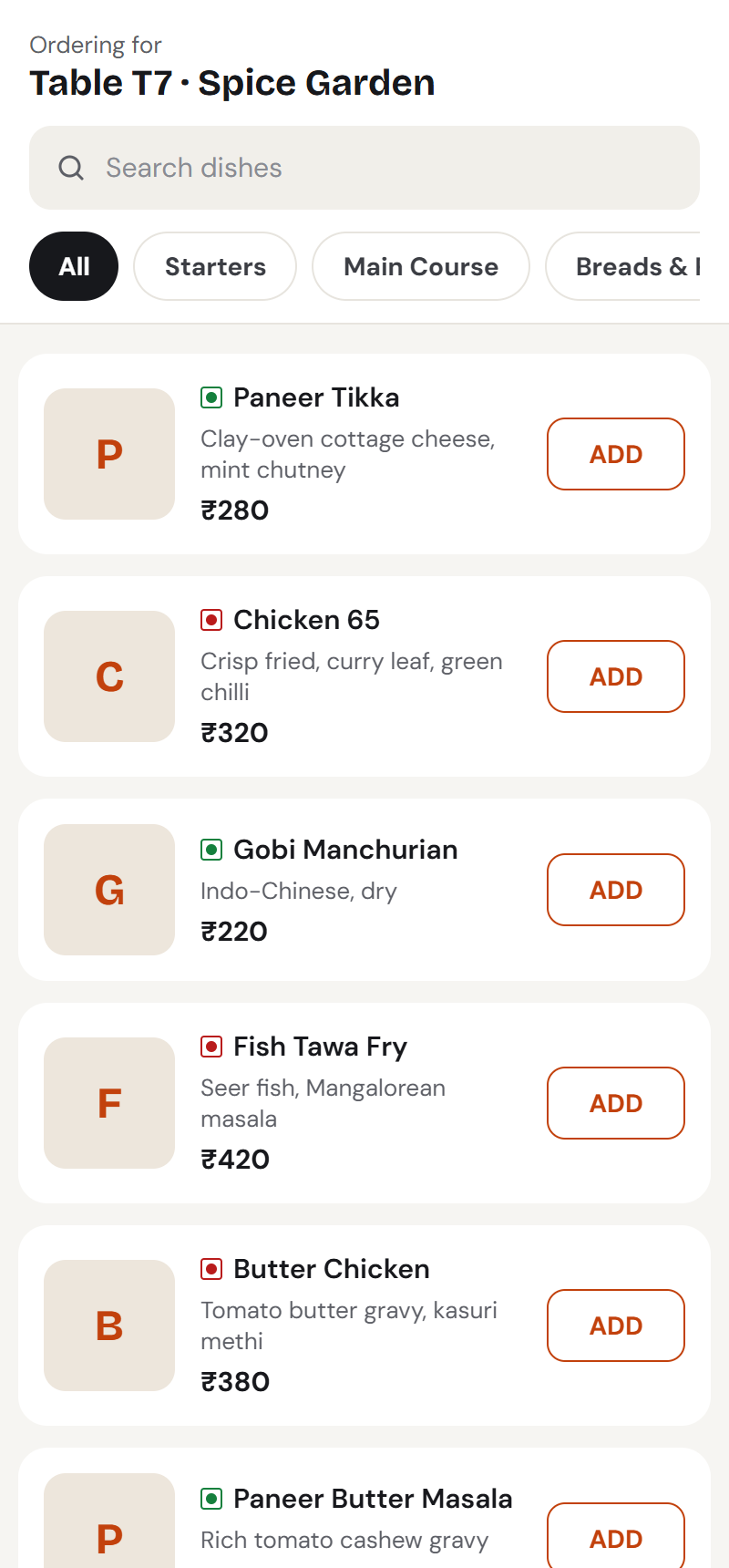
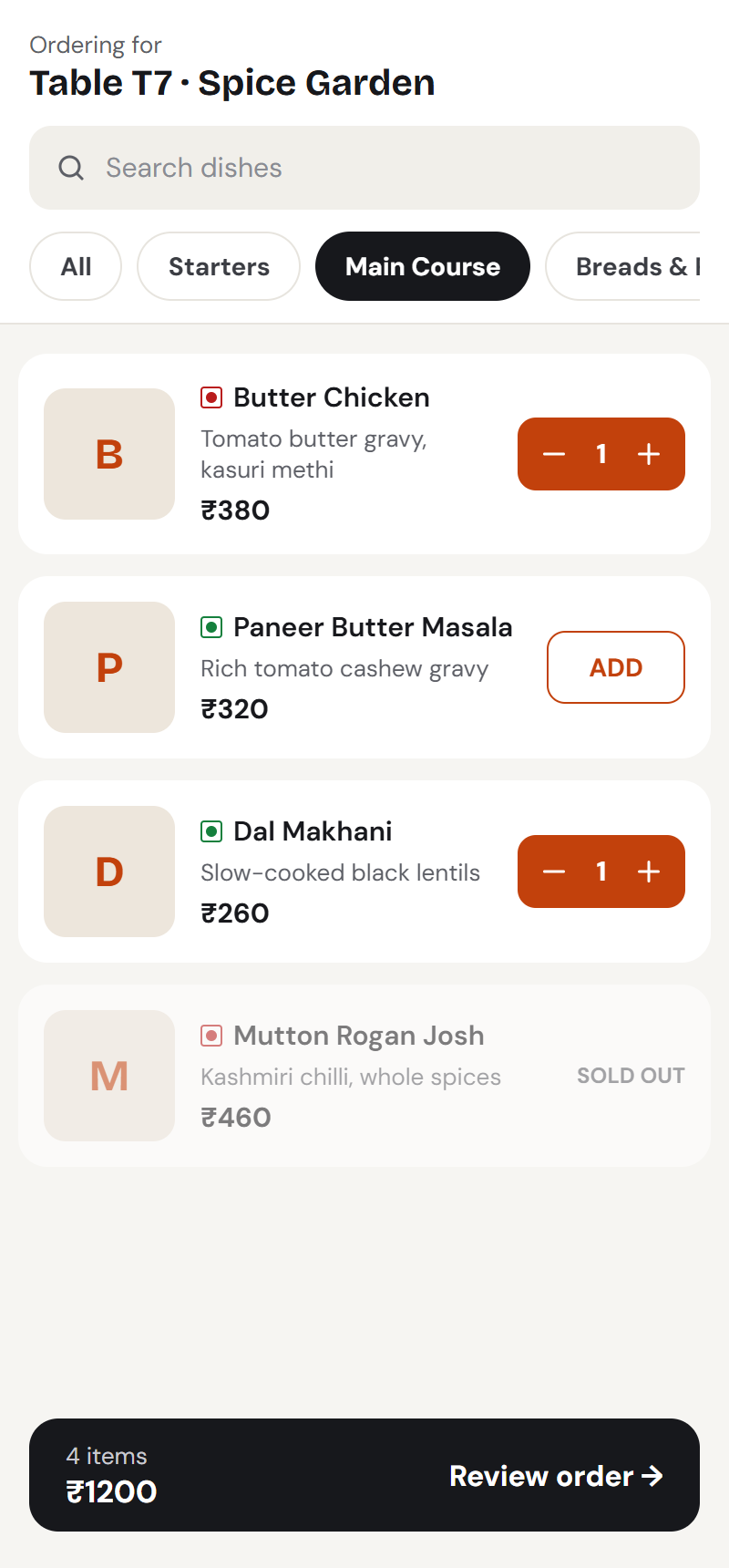
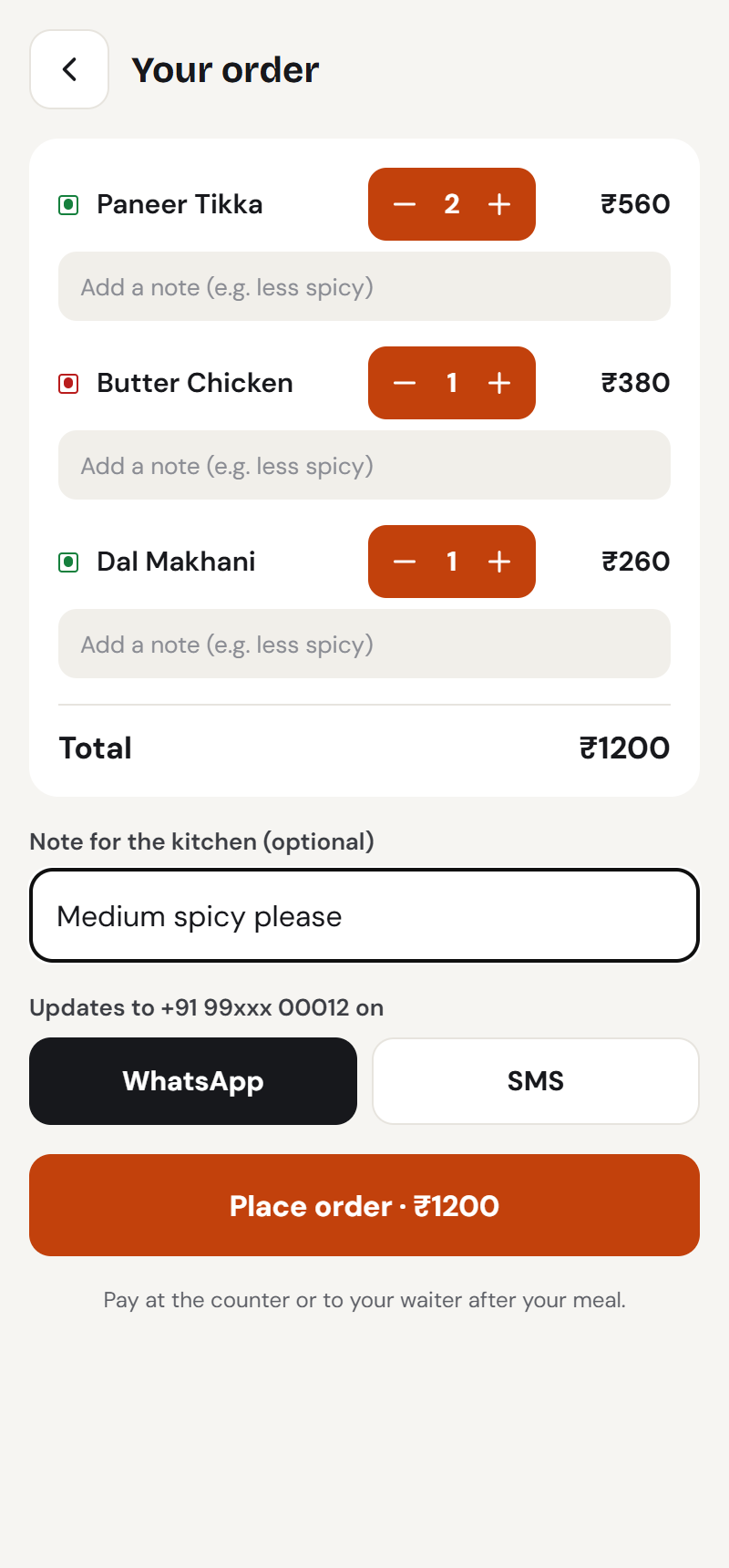
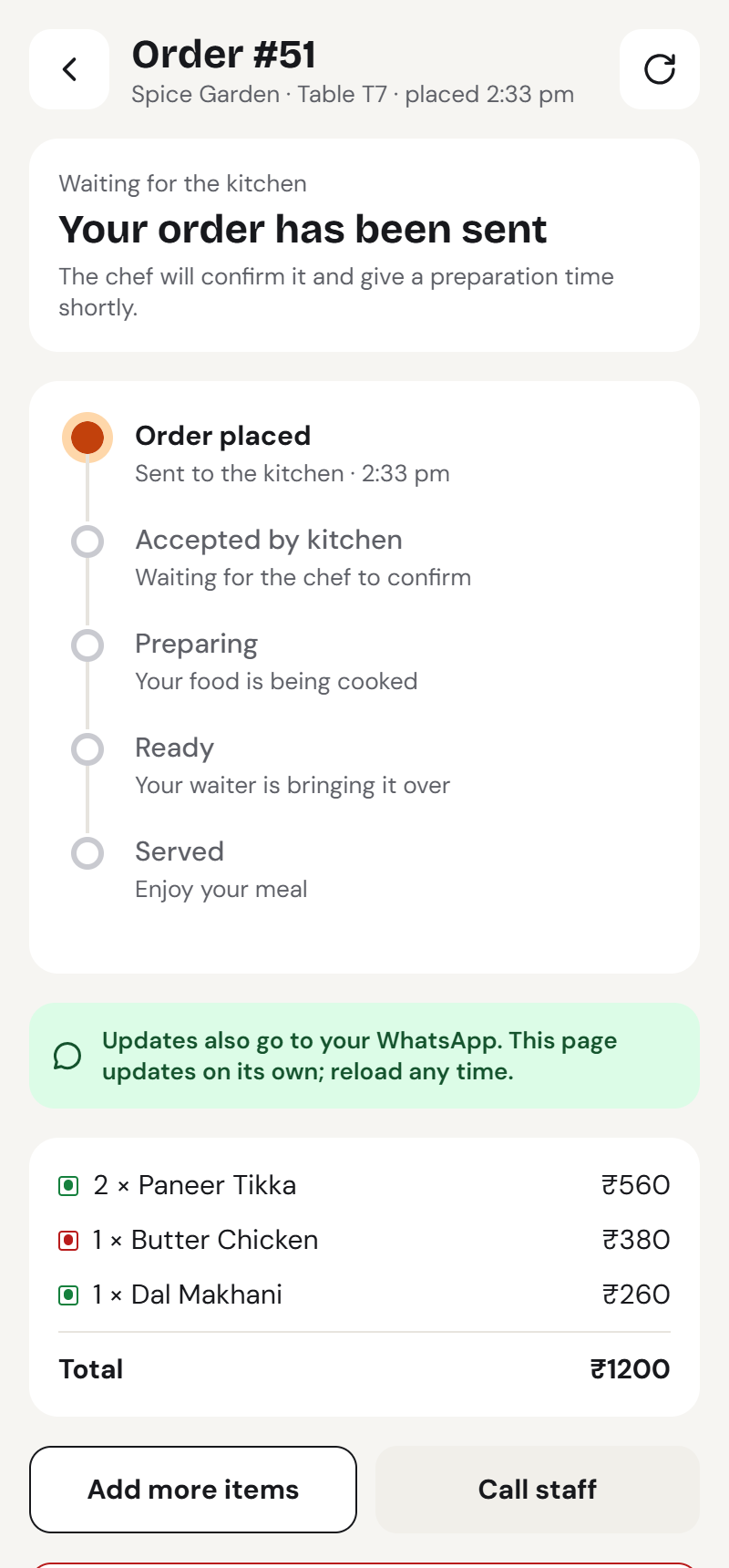
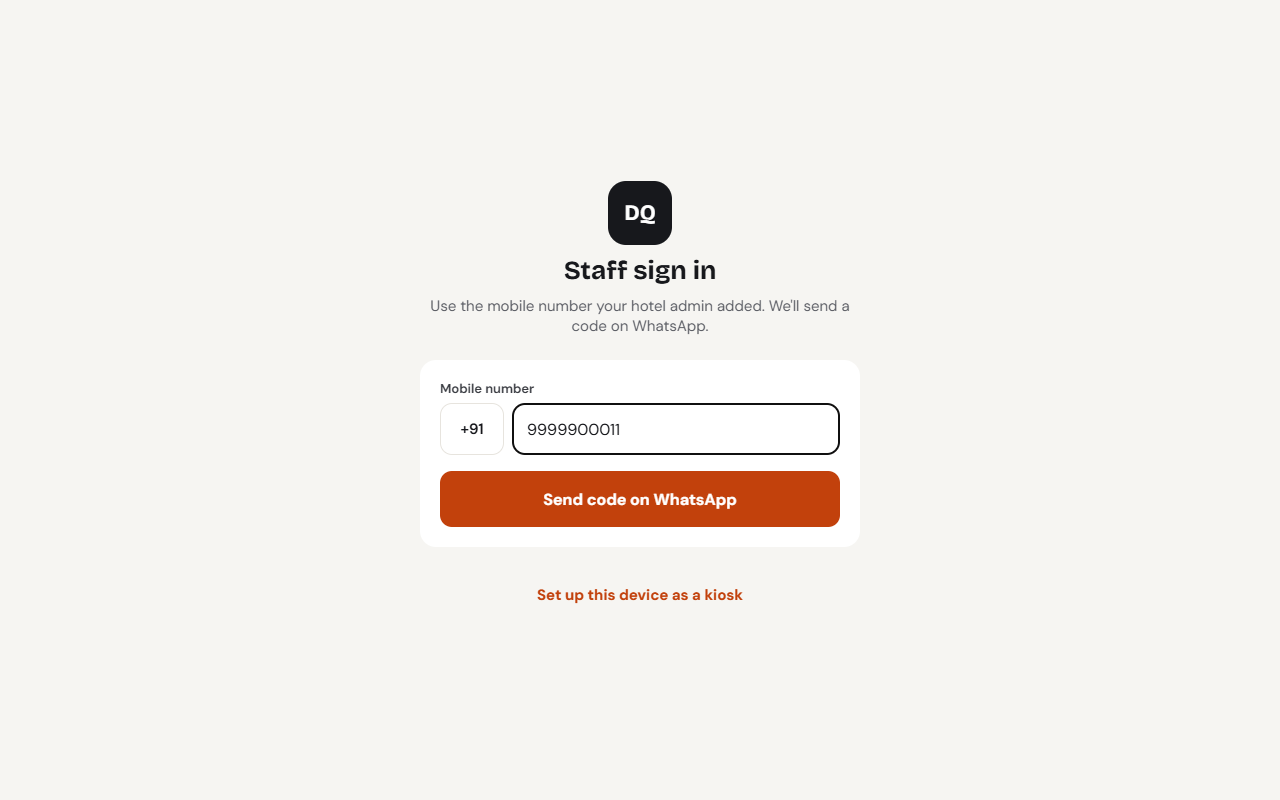
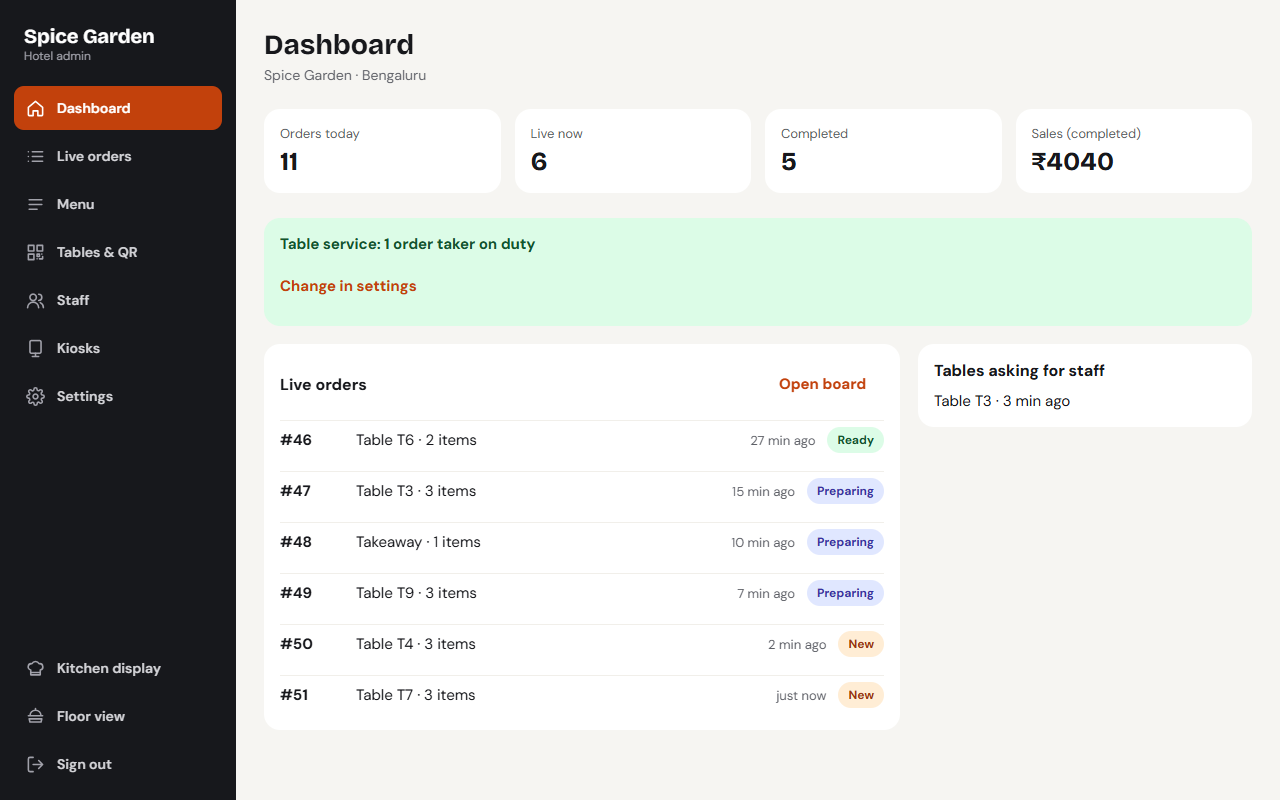
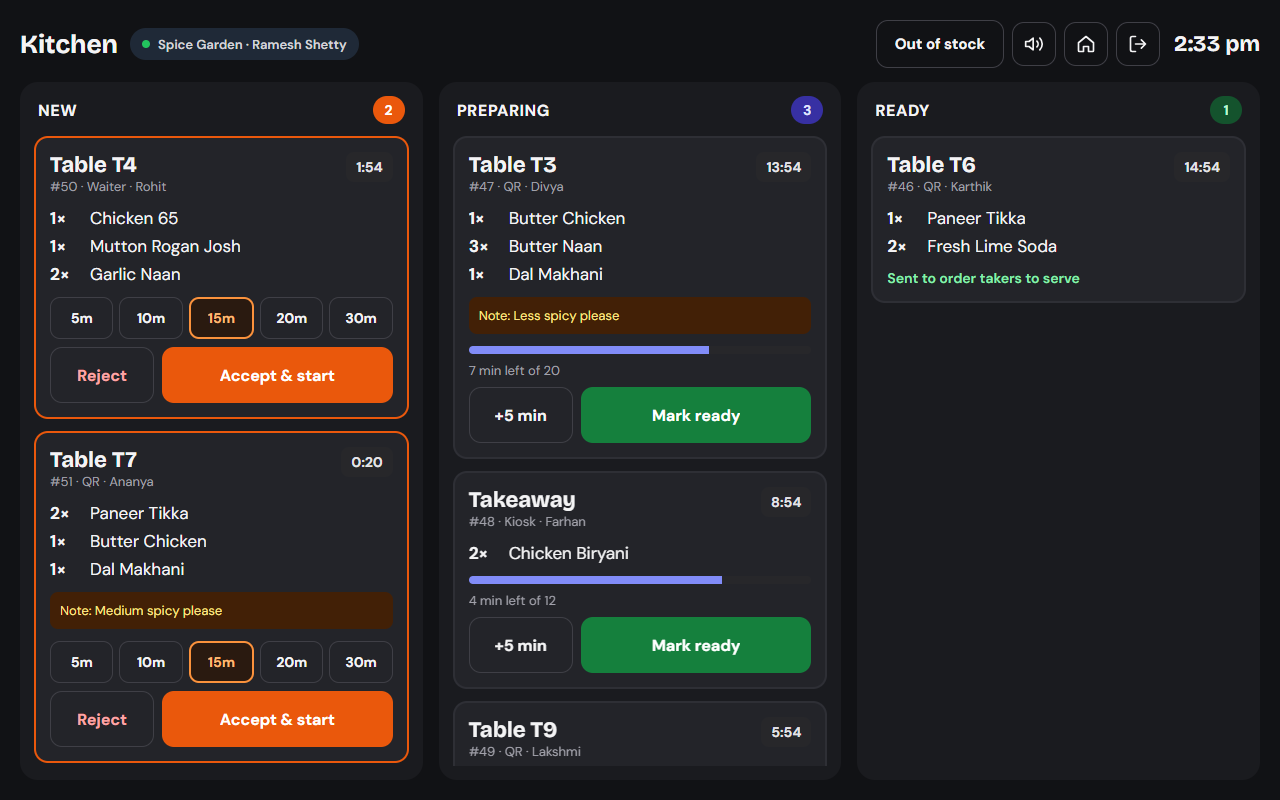
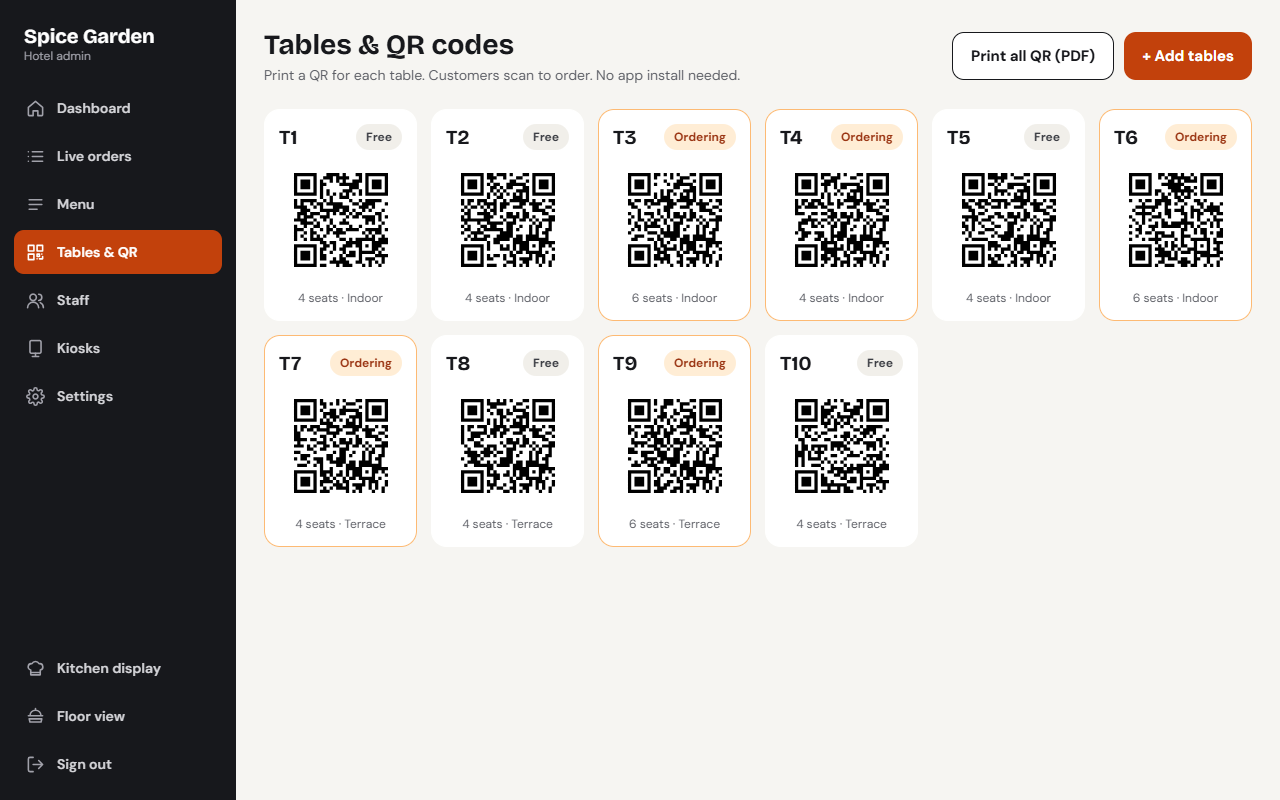
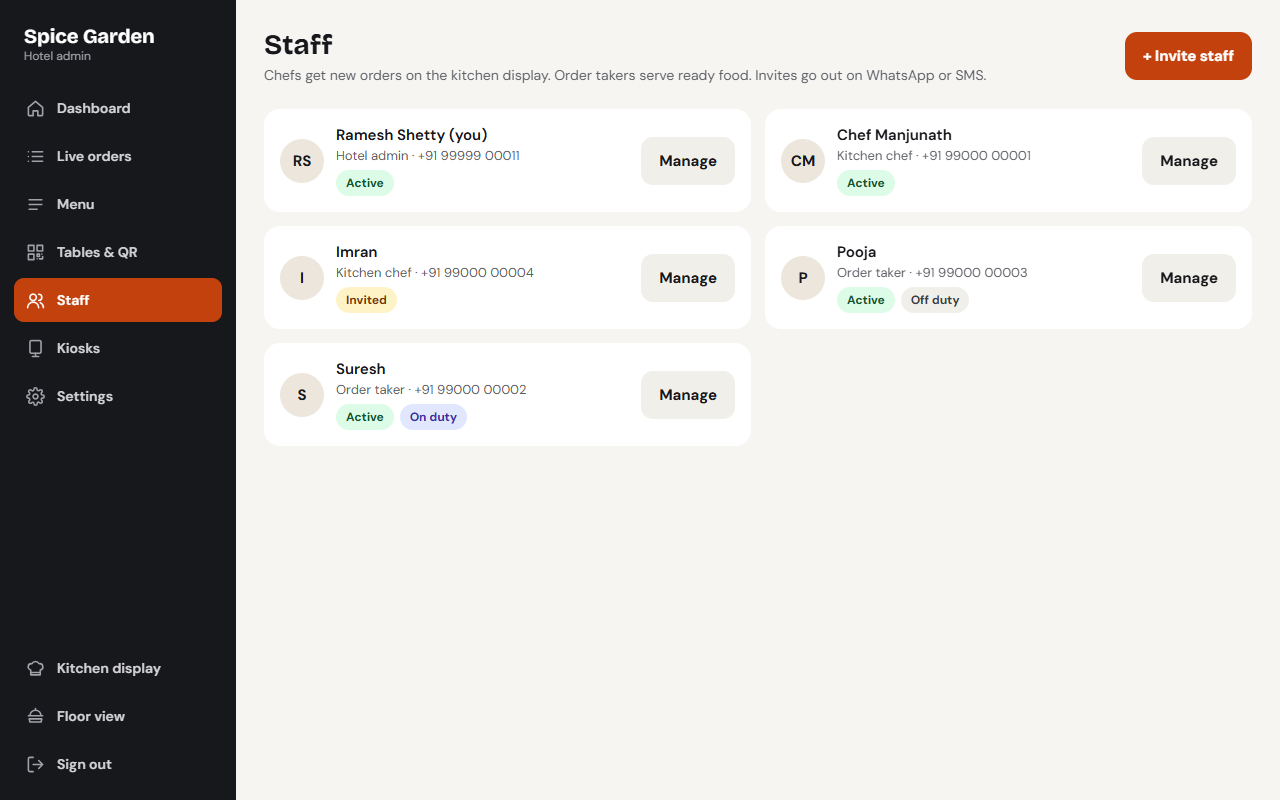
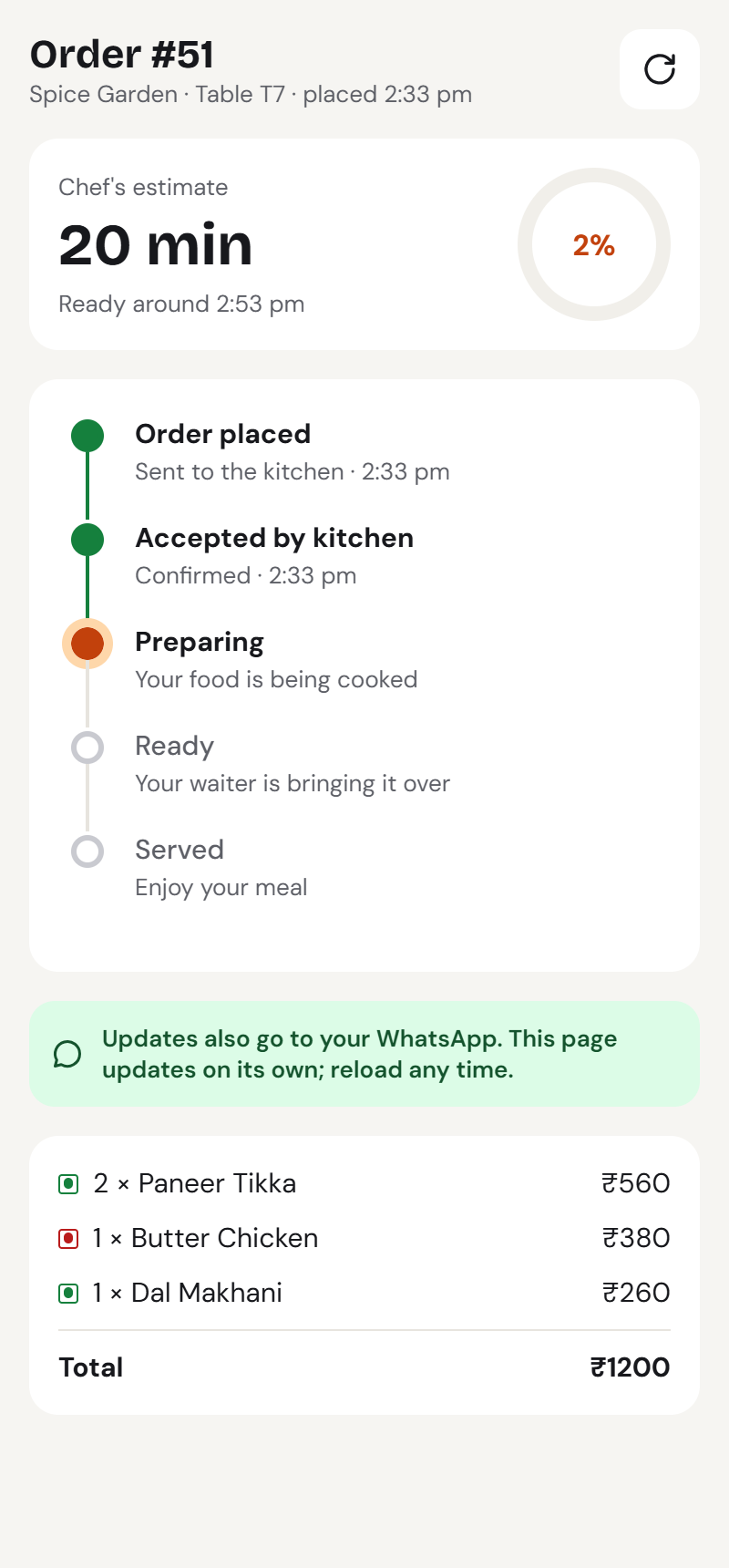
Demo login: Staff login: 99999 00011, code 123456
Key features
Everything Hotel KOT does for you
QR table ordering
Guests scan the table QR, see the menu and order from their own phone. No app download.
Kitchen display
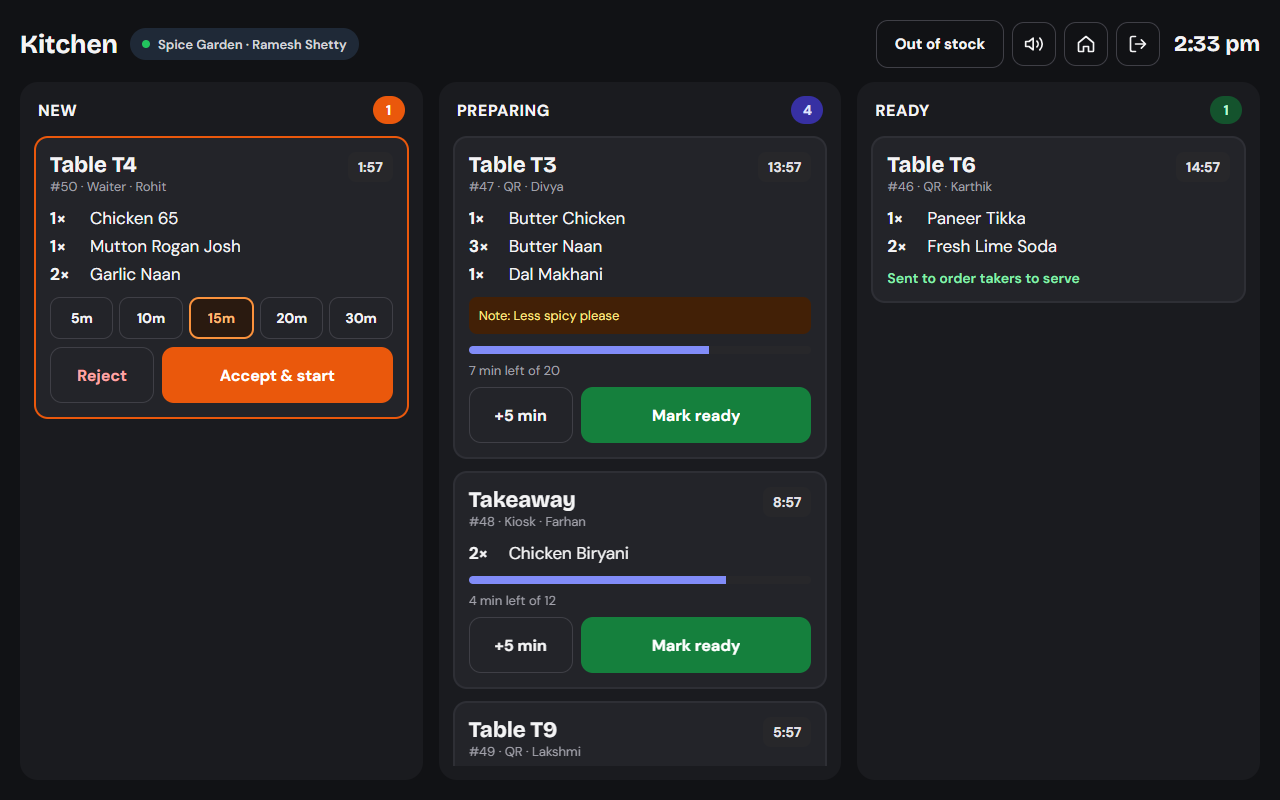
New orders chime on the kitchen tablet. Chefs set a prep time, accept, and mark ready.
Order-taker app
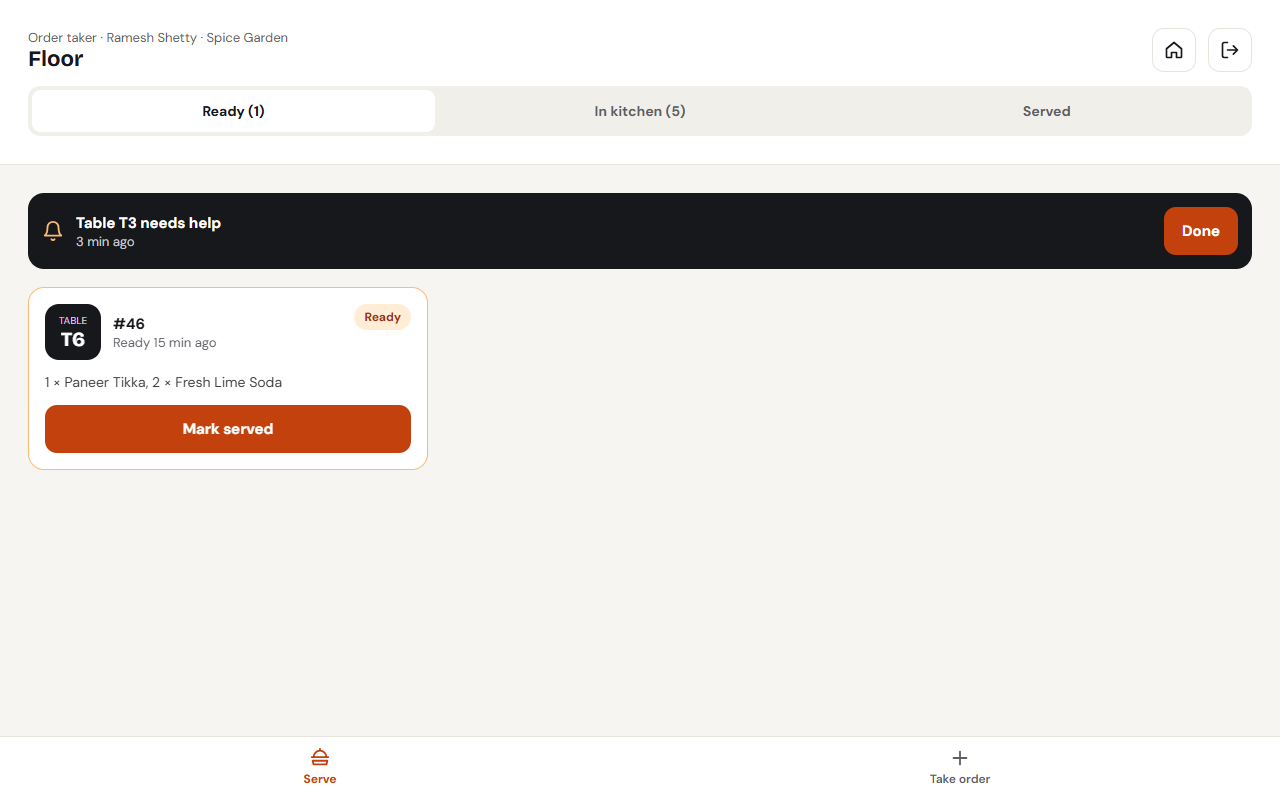
On-duty staff get “ready to serve · Table 7” alerts and “table needs help” calls, and can take orders at the table.
Live order status
Guests see a live countdown on their order page, even after a reload.
WhatsApp updates
Login codes and “accepted, ready in N minutes” messages on WhatsApp, with SMS fallback.
Self-order kiosk
Android tablet kiosk mode: attract screen, menu, order number, auto-reset when idle.
Restaurant admin
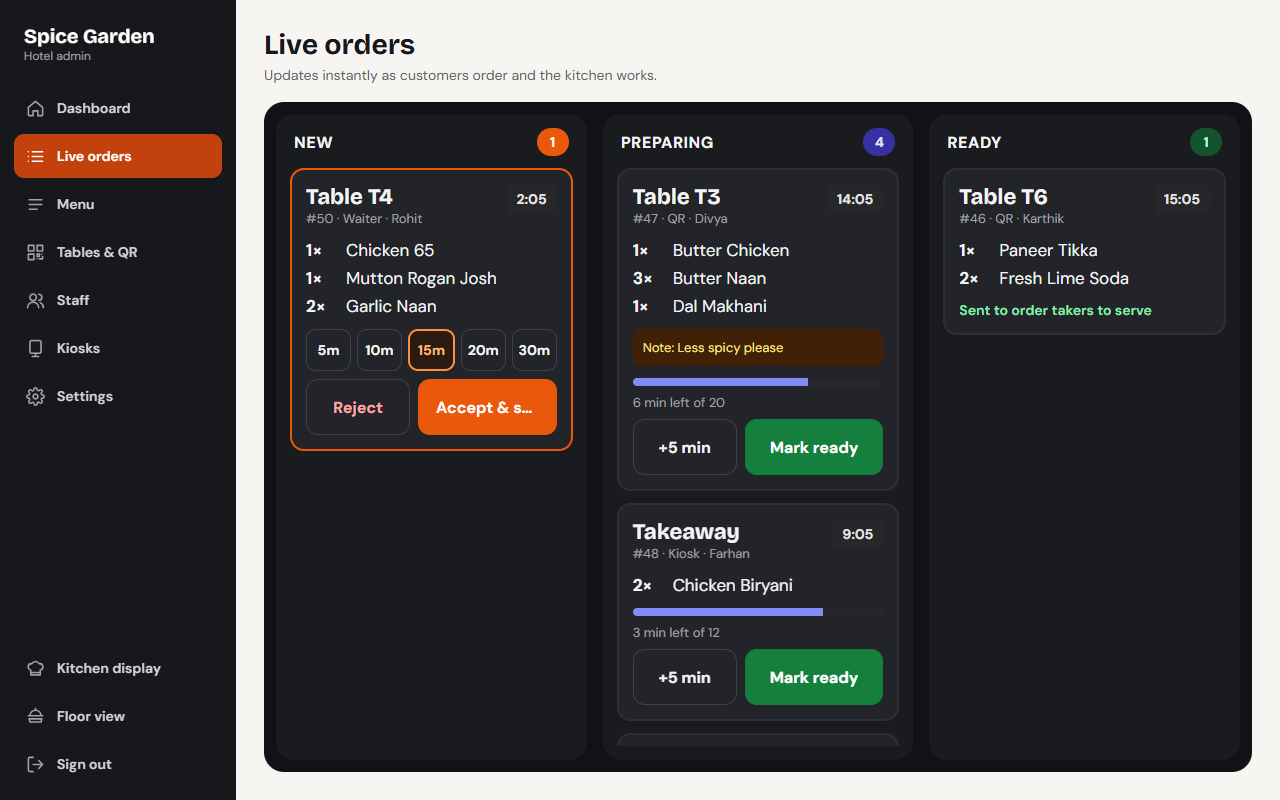
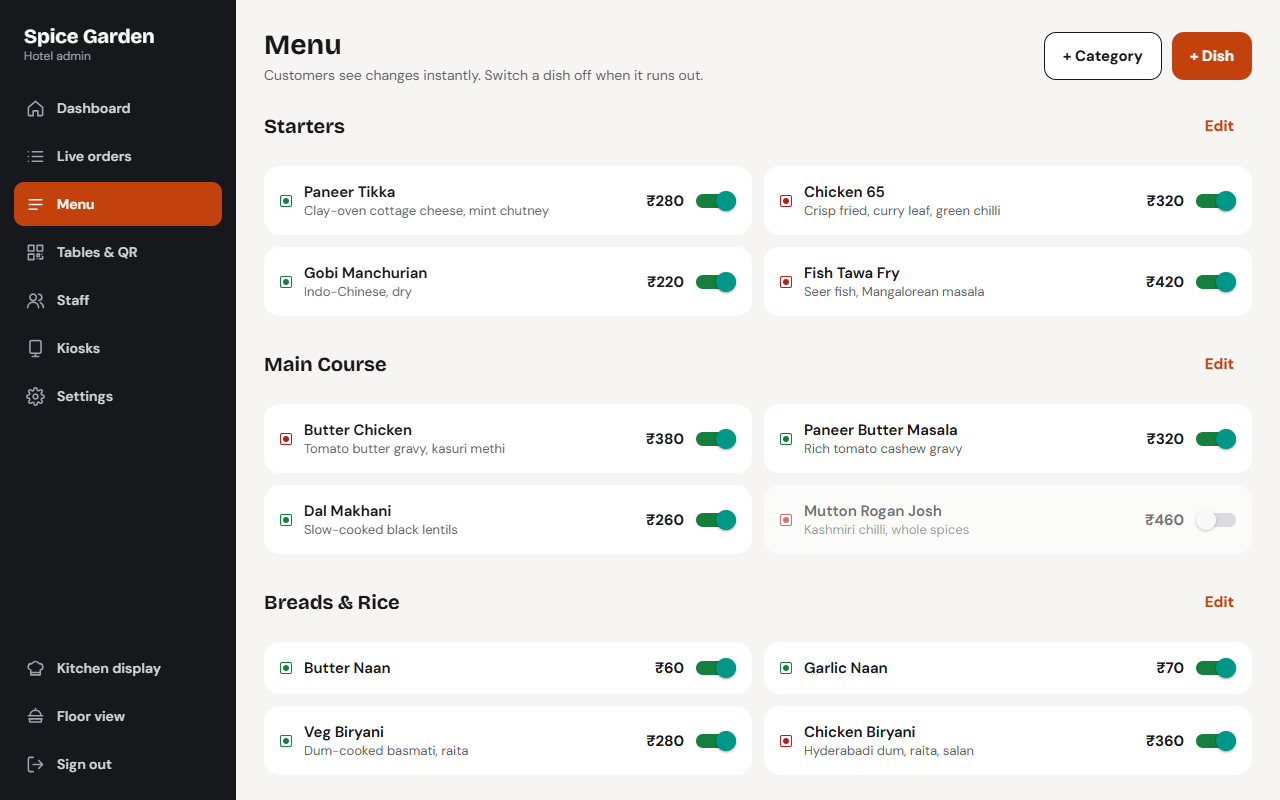
Tables & printable QR codes, menu, staff invites, kiosks, table or self service, live orders.
Multi-restaurant
Onboard many restaurants, each with its own admin and data kept fully separate.
How it works
Scan the table QR
The menu opens in the guest's browser.
Order & verify
Mobile verified by a WhatsApp code, then order.
Kitchen accepts
Chef picks a prep time; guest sees the countdown.
Ready & served
Staff are alerted to serve, or the guest collects at the counter.
Made for
Frequently asked questions
What is a KOT system?
A KOT (Kitchen Order Ticket) system sends every order straight to the kitchen. With Hotel KOT the order reaches the kitchen tablet the moment a guest or waiter places it, so there are no paper slips to lose.
Do guests need to install an app to order?
No. Guests scan the QR code on their table and order in their phone's browser. They verify their mobile number with a WhatsApp code.
Does it work for both table service and self service?
Yes. Each restaurant chooses table service (an order taker serves the food) or self service (guests are told to collect at the counter), and can add self-order kiosks.
Can one account run several restaurants?
Yes. Hotel KOT is multi-restaurant: each restaurant has its own admin, menu, tables, staff and data, kept fully separate.
How do I get Hotel KOT for my restaurant?
Contact Swache Technologies for a free demo. We set up your menu, tables and printable QR codes.
Interested in Hotel KOT?
Talk to us for a free demo, pricing or a version customised for your business.
More from Swache
Society Gate
Security, payments and community for your apartment, in one app.
Learn more Live scores for every sport
Sports Hub
Live scores, fixtures and tournaments for every sport.
Learn moreBillDesk POS
Fast, tax-ready billing for shops with one branch or fifty.
Learn more Find & book interior designers
Interior Hub
Design the home you love with the right interior designer.
Learn more Find & book event managers
Event Hub
Plan every celebration with the right event manager.
Learn more